



Why Does My Thermostat Keep Losing Its Schedule?
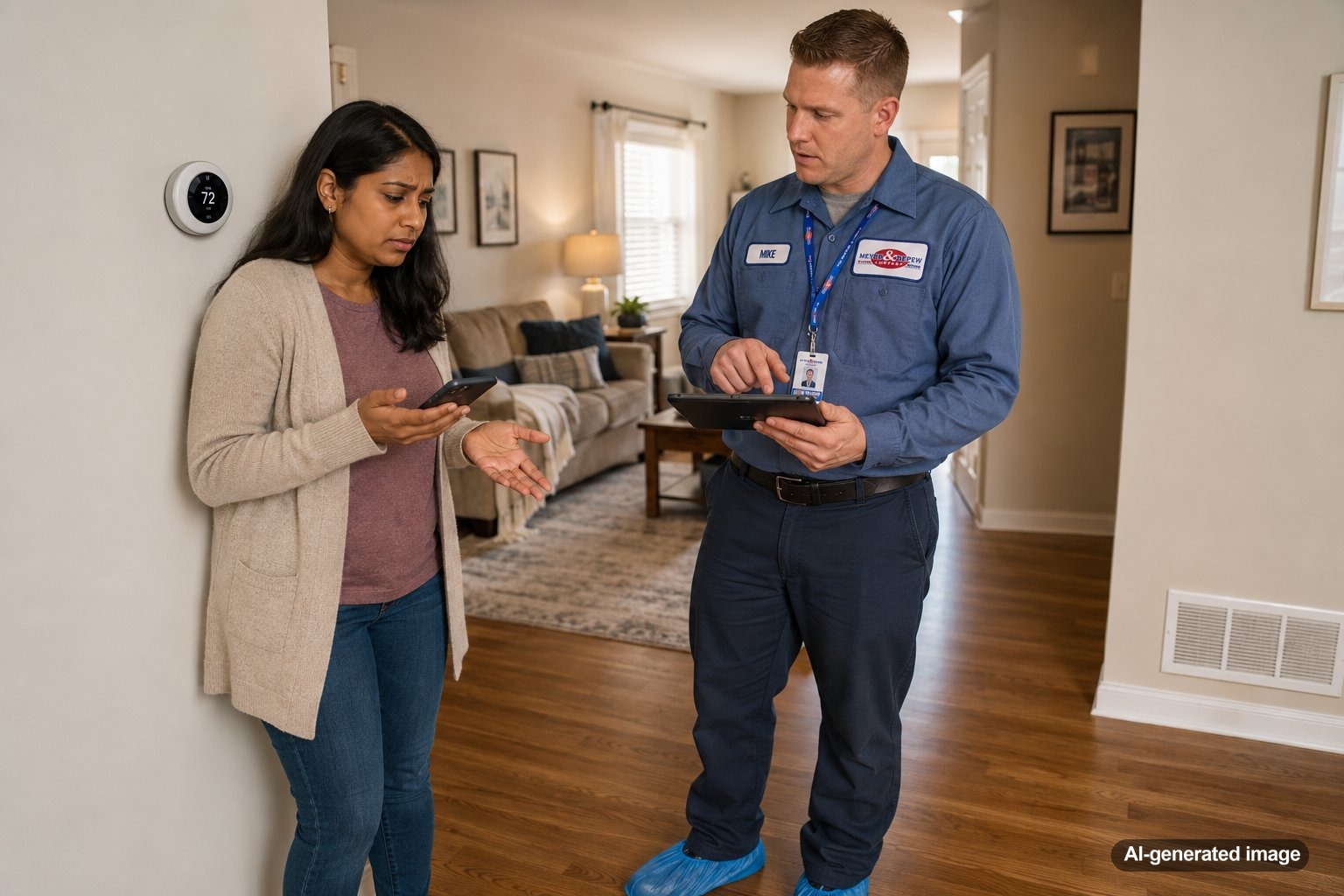
If your thermostat keeps losing its schedule, the problem may be as simple as a changed setting or weak backup batteries, or it could point to a power, wiring, software, or thermostat issue that deserves professional attention. A thermostat that repeatedly forgets programmed temperatures can be frustrating, especially when you expect your heating or cooling system to adjust automatically while you sleep, work, or return home.
For homeowners throughout Central and Northern New Jersey, changing seasons can make thermostat scheduling especially useful. When the schedule stops behaving as expected, start by determining whether the thermostat is actually erasing the program, temporarily overriding it, or receiving commands from another setting or connected device. If you are considering a different control option, Meyer & Depew provides information about thermostats for home comfort systems.
A thermostat may lose or ignore its schedule because of depleted batteries, interrupted electrical power, incorrect hold settings, software or connectivity problems, clock or time-setting errors, or an aging or malfunctioning thermostat. Start with safe checks such as confirming the programmed schedule, date, time, operating mode, and batteries if your model uses them. If settings repeatedly disappear or the thermostat frequently loses power, a qualified HVAC technician can evaluate the thermostat and its connection to the HVAC system.
Is the thermostat actually losing the schedule?
Before assuming the thermostat has failed, look closely at what it is doing. Several thermostat behaviors can feel like a lost schedule even when the programmed schedule is still stored.
For example, many programmable and smart thermostats offer temporary and permanent hold functions. A temporary hold may maintain a manually selected temperature until the next scheduled period. A permanent hold can continue indefinitely until someone cancels it. If a hold is active, the thermostat may appear to be ignoring the schedule rather than deleting it.
Smart thermostats may also include learning features, occupancy-based adjustments, vacation modes, energy-saving settings, or app-based changes. Another household member may change the temperature from a phone without realizing that the adjustment affects the current schedule. Checking the thermostat display and associated app can help distinguish a scheduling problem from an intentional override.
Common reasons a thermostat schedule disappears or resets
Weak or depleted thermostat batteries
Some thermostats use batteries as their main power source, while others use batteries as backup power. Depending on the model, weak batteries can contribute to display problems, lost settings, or unusual thermostat behavior. If your thermostat accepts replaceable batteries and the display indicates low power, replacing them with the type recommended for the thermostat is a reasonable homeowner check.
Power interruptions
Many modern thermostats receive low-voltage power from the HVAC system. A household power outage, a tripped breaker, a switched-off HVAC disconnect, or another interruption in system power may cause the thermostat display to go blank or restart. Some thermostats retain schedules through an outage, while others may lose certain information or require the clock to be reset.
If the thermostat loses power repeatedly rather than during an obvious household outage, the situation deserves closer attention. Repeated power interruptions could be associated with the thermostat, wiring, HVAC controls, or another electrical issue. Do not open electrical compartments or attempt wiring repairs yourself.
Incorrect date, time, or day settings
A thermostat can have the correct programmed temperatures but still seem to follow the wrong schedule if its clock, date, or day of the week is incorrect. This sometimes becomes noticeable after a power interruption, thermostat reset, or seasonal time change.
Compare the displayed time and day with the schedule you programmed. If the thermostat uses separate weekday and weekend schedules, confirm that each period is assigned to the intended days.
Hold, vacation, or away settings
A hold setting is one of the easiest causes to overlook. Someone may manually change the temperature and accidentally select a permanent hold instead of a temporary adjustment. Vacation or away modes can create similar confusion by taking priority over the normal schedule.
Look for words such as Hold, Permanent Hold, Away, Vacation, or similar indicators on the screen or in the thermostat app. The exact terminology varies by manufacturer and model.
Smart thermostat app or connectivity behavior
With a connected thermostat, the wall control is only one part of the system. Schedules may also be managed through an app or online account. Changes made remotely can affect what happens at the thermostat.
Connectivity problems may also cause certain smart features to behave differently than expected. If you use a smart thermostat, review the schedule in both the thermostat interface and its app. Meyer & Depew also provides information about the Ecobee Smart Thermostat for homeowners exploring smart temperature control options.
An aging or malfunctioning thermostat
Thermostats do not last forever. Buttons can become unreliable, displays can develop problems, internal electronics can malfunction, and older controls may become less dependable. A schedule that repeatedly disappears even after basic settings and power issues have been ruled out may indicate that the thermostat itself needs evaluation.
That does not automatically mean replacement is required. A technician can look at the thermostat, its power supply, wiring connections, and HVAC system controls before recommending the appropriate next step.
Why the thermostat may be changing temperatures even when the schedule is still saved
There is an important difference between a thermostat losing its schedule and a thermostat intentionally modifying how that schedule operates. This distinction is especially relevant with smart thermostats.
Some models can adjust temperatures based on occupancy, learned routines, energy-saving preferences, or whether a phone associated with the household is home or away. These features may be useful, but they can make the thermostat seem unpredictable if you do not realize they are enabled.
Zoned HVAC systems can add another layer. If different areas of the home have separate thermostats or sensors, one zone may behave differently from another. Homeowners dealing with room-by-room temperature differences can learn more about HVAC zoning systems and how they manage comfort in different parts of a home.
Safe thermostat checks homeowners can make
- Confirm that the thermostat is set to the intended heating or cooling mode.
- Review each programmed time and temperature period.
- Check the displayed date, day, and time.
- Look for an active Hold, Away, Vacation, or similar override.
- If your thermostat uses replaceable batteries, inspect or replace them according to the manufacturer’s instructions.
- Review the associated mobile app if you use a smart thermostat.
- Check whether the HVAC breaker has tripped once, if it is safe to do so. If it trips again, leave it off and contact a qualified professional.
Avoid removing HVAC equipment panels, modifying thermostat wiring, bypassing controls, or working with electrical components. Thermostat wiring may be low voltage, but the equipment it controls contains electrical components that should be handled by qualified professionals.
When repeated thermostat resets may point to a larger HVAC issue
If your thermostat repeatedly goes blank, reboots, or loses its settings, the thermostat may not be the only component worth checking. Depending on the HVAC system, thermostat power can be affected by wiring problems, equipment controls, condensate safety devices, transformers, or other system conditions.
For example, if a thermostat suddenly loses power at the same time your heating or cooling equipment stops operating, a technician may need to determine whether the thermostat is responding to another system condition rather than failing on its own. Because multiple components can produce similar symptoms, diagnosing the exact cause from thermostat behavior alone is difficult.
Recurring resets are particularly worth investigating if they are accompanied by unusual HVAC behavior such as frequent system cycling, inconsistent operation, unexplained shutdowns, or a thermostat display that repeatedly turns off and back on.
When should you call an HVAC professional?
Schedule professional service if the thermostat continues losing its schedule after you have confirmed the basic settings, clock, batteries, and obvious household power conditions. You should also consider service if the thermostat repeatedly restarts, frequently goes blank, will not retain settings, or behaves unpredictably along with heating or cooling problems.
A qualified technician can evaluate whether the problem is with the thermostat itself, its power source, thermostat wiring, system controls, or another HVAC component. This can be especially helpful before replacing a thermostat, since installing a new control will not necessarily correct a separate power or system problem.
If you notice smoke, sparks, an electrical burning smell, or another unsafe condition near the thermostat or HVAC equipment, prioritize safety. Stop using the affected equipment if it is safe to do so and contact the appropriate emergency service or a qualified professional.
Frequently asked questions about thermostat schedules
Why does my thermostat reset to a different temperature?
The thermostat may be following a programmed schedule, responding to a hold or smart feature, or restarting after a power interruption. Review the scheduled periods, active overrides, clock, and app settings before assuming the thermostat has lost its programming.
Can low batteries make a thermostat lose its settings?
They can contribute to problems on some thermostat models. Battery requirements and memory behavior vary, so follow the manufacturer’s instructions for your specific thermostat. If fresh batteries do not correct repeated resets, professional evaluation may be appropriate.
Why does my thermostat keep going blank and coming back on?
Intermittent power to the thermostat could have several causes, including thermostat, wiring, or HVAC control issues. If the display repeatedly shuts off and returns, schedule professional service rather than attempting electrical or equipment repairs yourself.
Does a smart thermostat automatically change my schedule?
Some smart thermostats can adjust operation based on enabled features such as occupancy, learning, away modes, or remote app commands. Check the thermostat and app settings to understand which features are active.
Should I replace a thermostat that keeps forgetting its schedule?
Not necessarily. An aging or malfunctioning thermostat may need replacement, but recurring resets can also be related to power or HVAC system conditions. A qualified technician can help identify the cause before you decide on replacement.
If your thermostat keeps losing its schedule, first determine whether the program is actually being erased or simply overridden. Check the clock, schedule, operating mode, hold settings, batteries, and smart thermostat app. When settings repeatedly disappear, the thermostat reboots, or the problem occurs alongside HVAC shutdowns, professional troubleshooting can help identify the underlying cause.
Need help with your heating, cooling, or HVAC system?
Meyer & Depew serves homeowners and businesses throughout Central and Northern New Jersey.
Get a quote or call 908.272.2100.