



What Causes a Blank Thermostat Screen in Summer?
Estimated reading time: 10 minutes
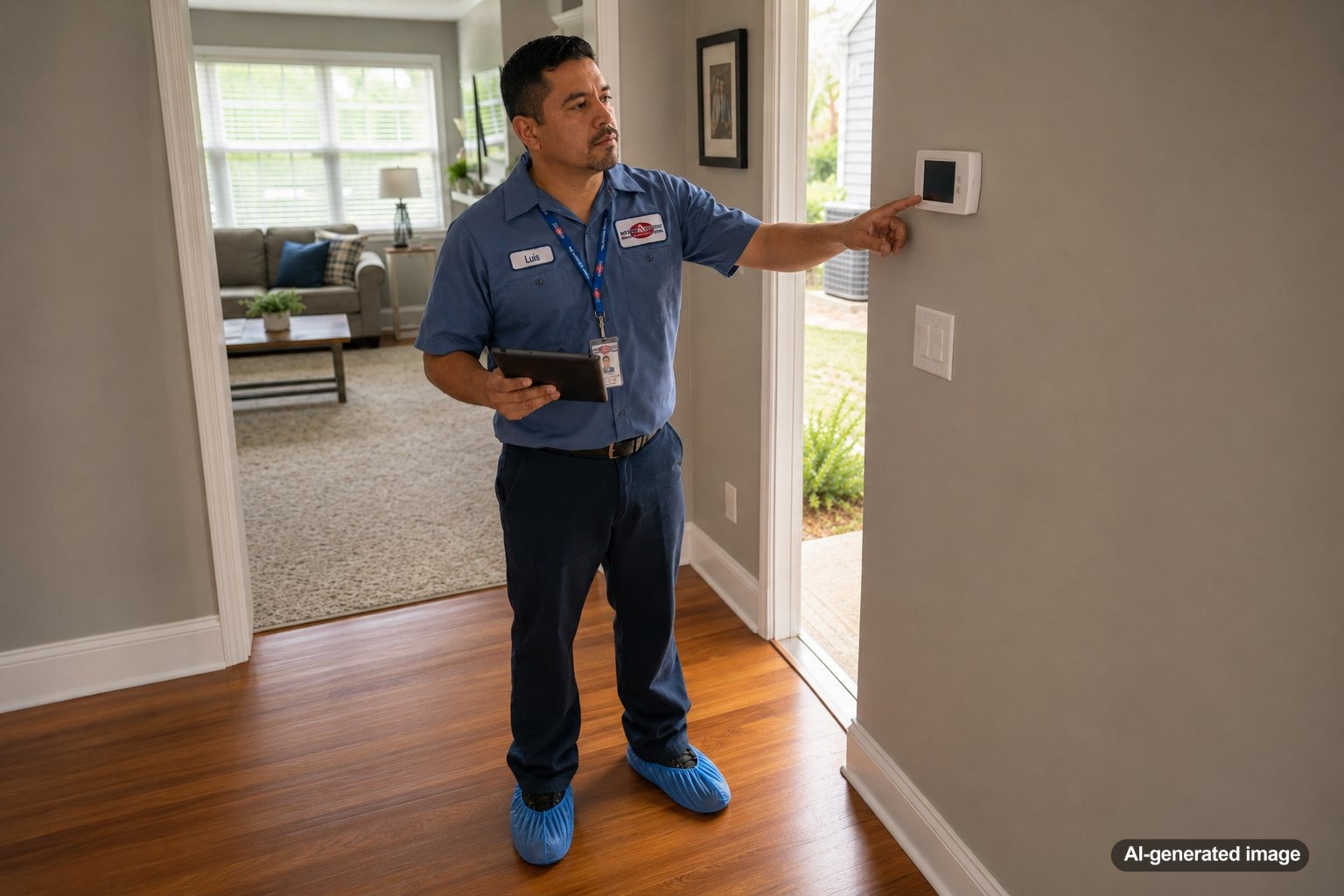
A blank thermostat screen in summer usually means the thermostat has lost power, but the reason can range from simple batteries to an AC system safety shutdown. When the display is dark, your thermostat may not be able to call for cooling, leaving the house warmer by the hour during a New Jersey heat wave.
Some causes are safe for a homeowner to check. Others involve electrical components, condensate drainage, or equipment controls that should be evaluated by a qualified HVAC technician. The key is to look for a few basic clues without opening equipment panels or bypassing safety devices. For information about thermostat options and comfort controls, you can also review Meyer & Depew’s thermostat services.
A thermostat screen can go blank because of dead batteries, a tripped breaker, a shutoff switch, a clogged condensate drain that triggered a float switch, loose wiring, a failed transformer, or a problem inside the thermostat itself. Start with batteries and visible power checks. If the screen stays blank or the breaker trips again, schedule professional service.
Why a blank thermostat screen matters during hot weather
The thermostat is the control center for your cooling system. It measures indoor temperature and sends a signal when the AC should start or stop. If the thermostat loses power, that signal may never reach the air conditioner.
A dark display does not always mean the thermostat itself has failed. In many homes, the thermostat receives low-voltage power from the HVAC system. A problem elsewhere in the system can therefore cause the screen to shut off even when the thermostat was working normally a few minutes earlier.
This distinction matters in summer because replacing batteries may restore one thermostat, while another blank screen could be warning you about a drainage backup, electrical fault, or equipment failure. The conditions surrounding the shutdown often provide the best clues.
Common causes of a blank thermostat screen
Dead or improperly installed batteries
Many digital thermostats use replaceable batteries either as their main power source or as backup power. When those batteries die, the screen may dim, show a low-battery warning, or go completely blank.
If your thermostat has an accessible battery compartment, replace the batteries with the correct type and confirm that the positive and negative ends are positioned properly. Make sure the thermostat face is seated securely on its wall plate afterward.
If the display comes back but disappears again soon, the issue may not be limited to the batteries. Some thermostats use batteries while still depending on HVAC power for full operation.
A tripped circuit breaker
Your thermostat may receive power through the furnace, air handler, or another indoor HVAC component. If the breaker serving that equipment trips, the thermostat can go dark along with the cooling system.
Check the electrical panel for a breaker labeled furnace, air handler, HVAC, or AC. A tripped breaker may sit between the on and off positions. If it is safe to do so, you can reset it once by moving it fully off and then back on.
Do not continue resetting a breaker that trips again. Repeated tripping can indicate an electrical fault, motor problem, damaged wire, or another condition that requires professional diagnosis.
An HVAC service switch was turned off
Many indoor HVAC units have a nearby service switch that resembles a standard light switch. It may be mounted on the equipment or on a wall close to the furnace or air handler. The switch can be turned off accidentally during cleaning, storage, remodeling, or routine household activity.
Confirm that the switch is in the on position. Do not remove equipment panels or touch internal wiring. If the switch is already on and the thermostat remains blank, move on to other safe checks.
A clogged condensate drain triggered a safety switch
Air conditioners remove moisture from indoor air as they cool. That water collects in a drain pan and normally leaves through a condensate drain line. During humid New Jersey weather, the system may produce a significant amount of condensate.
If the drain becomes clogged, water can back up. Many systems have a float switch designed to shut down the AC before the drain pan overflows. Depending on how the system is wired, that safety shutdown may also cut power to the thermostat and leave the screen blank.
Signs can include water near the indoor unit, a full auxiliary drain pan, dampness around the equipment, or a thermostat that went blank after the AC had been running heavily. Do not bypass the float switch. It is there to reduce the risk of water damage.
A loose thermostat face or wall connection
Some thermostats snap onto a wall-mounted base. If the thermostat was bumped, removed for painting, or not seated correctly after a battery change, its electrical contacts may not connect properly.
Press the thermostat face gently and evenly against the wall plate according to the manufacturer’s normal installation design. Do not pull on wires or remove the wall plate. If the thermostat feels loose, damaged, or will not stay connected, a technician can inspect it safely.
A failed low-voltage transformer or blown control fuse
Central HVAC systems commonly use a transformer to reduce household voltage to the lower voltage used by the thermostat and control circuit. A small fuse may also protect those controls. If the transformer fails or the fuse opens, the thermostat can lose power.
These failures can be caused by age, a short circuit, damaged wiring, water exposure, or a problem with another component. Testing the transformer and control circuit requires electrical knowledge and proper instruments. This is not a recommended homeowner repair.
Damaged or disconnected thermostat wiring
Thermostat wires can loosen, corrode, or become damaged during renovations, equipment work, pest activity, or routine wear. A missing common-wire connection can also cause intermittent power issues with certain smart thermostats.
Wiring problems may produce a screen that flickers, restarts, or goes blank at random. Avoid removing wires or moving them between terminals. Incorrect wiring can damage the thermostat, control board, transformer, or other HVAC components.
The thermostat itself has failed
Thermostats do not last forever. Internal electronics, displays, sensors, or battery contacts can fail, especially after a power surge, moisture exposure, or years of use.
A failed thermostat is more likely when power is available at the wall plate but the display remains dark. A technician can test the control circuit before recommending replacement, which helps avoid installing a new thermostat when the actual problem is elsewhere in the system.
A door or panel safety switch is open
Some furnaces and air handlers have a safety switch that cuts power when the access panel is not installed correctly. If a panel was removed for filter replacement or service and was not reseated securely, the thermostat may lose power.
Do not operate the equipment with panels removed. Visually confirm that exterior access panels appear properly closed. If a panel is damaged, misaligned, or difficult to secure, leave the system off and request service.
Safe checks homeowners can make
- Replace the thermostat batteries if the model uses them.
- Confirm that the thermostat face is seated properly on its wall plate.
- Make sure the nearby HVAC service switch is on.
- Check the HVAC breaker and reset it only once if it has tripped.
- Look for visible water near the indoor unit or auxiliary drain pan.
- Confirm that exterior equipment panels appear securely closed.
- Note whether the thermostat went blank after a storm, power interruption, filter change, or period of heavy AC operation.
Stop troubleshooting if you notice smoke, sparks, an electrical burning smell, damaged wiring, significant water near electrical equipment, or a breaker that will not stay on. Turn off power only if you can do so safely and contact an appropriate qualified professional.
What the timing of the problem can tell you
The screen went blank during a very humid day
A condensate drainage issue becomes more likely when the AC has been removing moisture for long periods. A float switch may have shut the system down after water backed up in the drain pan.
The screen went blank after a power outage or thunderstorm
A breaker may have tripped, a surge may have affected the thermostat, or a low-voltage fuse or transformer may have failed. Even when power returns to the rest of the house, the HVAC control circuit may still need attention.
The screen went blank after changing the filter
An equipment panel may not be fully seated, causing a door safety switch to remain open. This is especially relevant when the filter is located behind or near an access panel.
The display flickers or repeatedly restarts
Intermittent behavior can point to loose contacts, weak batteries, unstable low-voltage power, or a smart thermostat power issue. Repeated restarts should be evaluated before they leave you without cooling during hotter weather.
The thermostat is blank but the indoor fan still runs
This can indicate that part of the HVAC system still has power while the thermostat or control circuit has a separate problem. Because system designs vary, a technician will need to trace the control voltage and operating signals.
When to call an HVAC professional
Schedule service when fresh batteries do not restore the screen, the breaker trips again, water is collecting near the air handler, the thermostat repeatedly loses power, or the cooling system remains off after basic checks.
A qualified technician can test the thermostat, transformer, control fuse, float switch, drain system, wiring, air handler, and related safety controls. The goal is not simply to make the screen light up. It is to identify why power was lost and correct the underlying issue safely.
For a blank thermostat paired with a nonworking AC system, Meyer & Depew’s AC service and maintenance team can evaluate the thermostat and the equipment it controls.
Can a dirty air filter make the thermostat go blank?
A dirty filter usually does not directly remove power from a thermostat. However, severe airflow restriction can contribute to equipment problems or safety shutdowns in some systems. It can also cause weak cooling, longer run times, or frozen components.
Inspect the filter and replace it when it is visibly dirty or according to the filter and equipment recommendations. If the thermostat remains blank, continue looking for a power or safety-control issue rather than assuming the filter alone is responsible.
Should you replace the thermostat immediately?
Not necessarily. A new thermostat will not solve a tripped float switch, failed transformer, blown control fuse, loose equipment panel, or damaged wire. Confirming the power source first can prevent an unnecessary replacement.
Replacement may make sense if the thermostat has failed, is physically damaged, is incompatible with the system, or no longer provides the features you need. A professional can verify compatibility, including whether a smart thermostat requires a common wire or another approved power solution.
Frequently asked questions
Why is my thermostat blank even after changing the batteries?
The thermostat may depend on HVAC system power in addition to batteries. A tripped breaker, off service switch, open panel switch, condensate float switch, failed transformer, blown control fuse, or wiring issue could still leave the display blank.
Can a clogged drain line shut off the thermostat?
Yes. Some AC systems are wired so a condensate float switch interrupts the low-voltage control circuit when water backs up. This can shut down cooling and make the thermostat screen go dark.
Is it safe to reset the HVAC breaker?
You can reset a tripped breaker once if the panel is dry, accessible, and there are no signs of electrical damage. If it trips again, leave it off and call a qualified professional rather than resetting it repeatedly.
Why does my thermostat screen come back on by itself?
Intermittent power may be caused by loose contacts, a drainage safety switch that changes position, unstable wiring, weak batteries, or a control component beginning to fail. The issue should be inspected before it causes another cooling interruption.
Can a power surge damage a thermostat?
It can. A surge or outage may affect the thermostat, transformer, control board, fuse, or other electrical components. Testing is the safest way to determine which part was affected.
A blank thermostat screen in summer is usually a power problem, not simply a display problem. Check batteries, switches, the breaker, panel placement, and visible water conditions. When the cause is not obvious or the shutdown repeats, professional diagnosis can protect both your comfort and your HVAC equipment.
Need help with your heating, cooling, or HVAC system?
Meyer & Depew serves homeowners and businesses throughout Central and Northern New Jersey.
Get a quote or call 908.272.2100.