



How Wi-Fi Thermostat Problems Can Affect Home Comfort
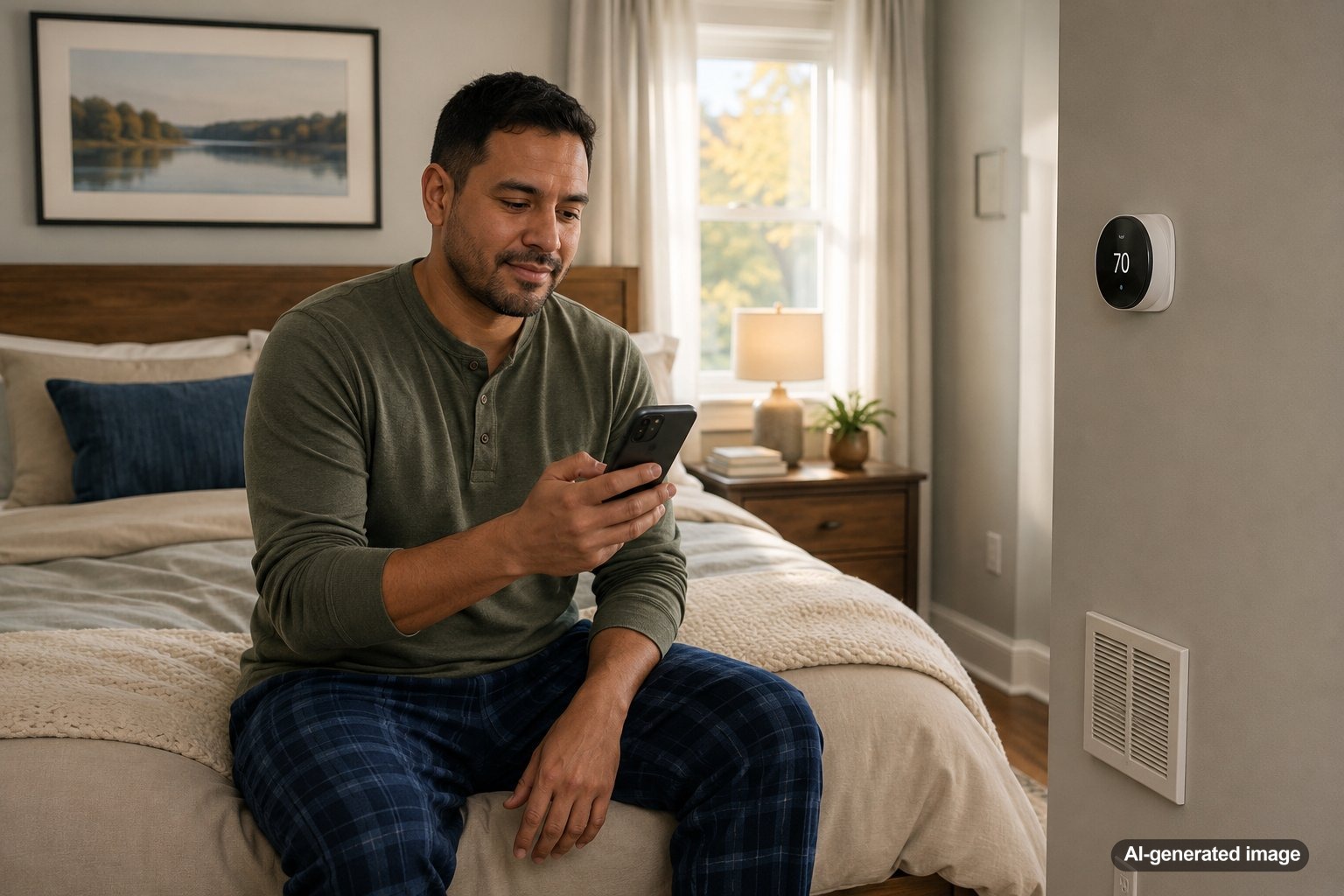
Wi-Fi thermostat problems can affect home comfort in a surprisingly direct way. Even when the heating or cooling equipment is working, a thermostat that drops offline, reads the room incorrectly, follows the wrong schedule, or fails to communicate with the HVAC system can leave rooms too warm, too cold, or inconsistent throughout the day.
For homeowners in Central and Northern New Jersey, that can be especially frustrating during humid summer afternoons, chilly winter mornings, and shoulder-season days when the system changes modes often. A smart thermostat should make comfort easier, not more confusing. Meyer & Depew helps homeowners evaluate all thermostats, smart controls, zoning, and HVAC performance so the control strategy matches the home.
Wi-Fi thermostat problems can affect comfort by interrupting schedules, delaying system response, causing app commands to fail, confusing home and away settings, or making the system cycle at the wrong times. Some issues are simple settings or network problems. Others point to wiring, placement, equipment compatibility, airflow, or broader HVAC concerns that should be checked by a qualified technician.
Why a Wi-Fi problem can feel like an HVAC problem
A Wi-Fi thermostat is both a wall control and a connected device. The thermostat can still measure temperature and control the system locally, but the app, remote access, schedule updates, occupancy features, weather-based settings, and alerts may depend on a stable connection. When that connection is unreliable, the homeowner may think the AC or heating system is ignoring commands.
For example, you might lower the temperature from your phone before leaving work, but the command never reaches the thermostat. Or the thermostat may look normal on the wall, while the app shows it as offline. In other cases, the system may follow an old schedule because a new one did not sync properly.
That distinction matters. If the thermostat works from the wall but not from the app, the issue may be Wi-Fi, account access, cloud communication, router settings, or a phone app problem. If the thermostat is blank, losing power, or not calling for heating or cooling at all, the concern may involve batteries, low-voltage wiring, a C wire, equipment power, or the HVAC system itself.
Common comfort problems linked to Wi-Fi thermostats
Wi-Fi thermostat issues often show up as comfort complaints before they show up as obvious error messages. The most common signs include rooms that do not reach the set temperature, equipment that starts later than expected, schedules that seem to change on their own, and app readings that do not match the wall display.
- Missed schedule changes: The thermostat may continue using an old program if an app update or schedule edit fails to sync.
- Home and away confusion: Geofencing or occupancy features may switch the system into an energy-saving mode when someone is still home.
- Delayed response: Commands sent through the app may lag or fail when the Wi-Fi signal is weak.
- Short cycling concerns: Incorrect settings, wiring issues, poor thermostat placement, or equipment problems can cause frequent starting and stopping.
- Uneven rooms: A thermostat in a poor location may satisfy too quickly while other rooms remain uncomfortable.
Placement matters as much as connectivity
A smart thermostat can only make good decisions when it is reading a representative temperature. If it is installed near direct sun, a drafty hallway, a supply vent, a kitchen heat source, or an exterior wall, the reading may not reflect the rest of the home. The Wi-Fi connection could be perfect, yet the house still feels uncomfortable.
This is especially common in older New Jersey homes with additions, finished basements, stairwells, converted spaces, and room layouts that were not designed around modern cooling and heating loads. In those homes, comfort may require more than a thermostat swap. Options such as zoning systems, ductwork evaluation, airflow improvements, or ductless support may be part of the conversation.
Safe checks before you call
- Confirm the thermostat is set to the correct mode: heating, cooling, or auto.
- Check the set temperature and schedule directly on the wall thermostat, not only in the app.
- Make sure your home Wi-Fi is working on other devices near the thermostat.
- Restart the thermostat or app if the manufacturer instructions recommend it.
- Check whether the thermostat recently lost connection after a router, password, or internet provider change.
- Replace batteries if your model uses them and shows a low-battery warning.
- Inspect the air filter and make sure supply and return vents are open and not blocked.
Avoid opening HVAC equipment panels, moving thermostat wires, bypassing safety switches, or making electrical changes. If the thermostat has no power, the HVAC system does not respond, the breaker trips repeatedly, or comfort problems continue after basic checks, it is safer to schedule professional service.
When thermostat trouble points to a larger HVAC issue
Not every comfort problem starts at the thermostat. A weak AC system, restricted airflow, dirty filter, aging blower motor, duct leakage, refrigerant issue, oversized or undersized equipment, or poor zoning setup can all make a thermostat look like the problem. The thermostat may be asking the system to run, but the equipment may not be able to keep up.
One useful clue is the difference between command and response. If the thermostat calls for cooling and the AC starts but the home still will not cool evenly, the issue may be system performance or airflow. If the thermostat does not call for cooling at all, the focus may shift to settings, wiring, power, compatibility, or the thermostat itself.
Professional evaluation is also worthwhile when a new smart thermostat was installed recently and comfort changed afterward. Some systems need specific wiring, configuration, staging, fan settings, or accessory setup. A thermostat that is not configured correctly for the HVAC equipment may create nuisance cycling, poor humidity control, or inconsistent operation.
Do smart thermostats help with comfort?
Smart thermostats can help when they are selected, installed, configured, and used properly. They can make scheduling easier, support remote adjustments, provide usage insight, and help homeowners manage comfort more consistently. They are not a cure for airflow problems, underperforming equipment, poor insulation, or rooms that need separate temperature control.
For some homes, the right solution is a thermostat adjustment. For others, it may be an equipment check, maintenance visit, zoning discussion, or broader look at home comfort through air quality and comfort services.
FAQ: Wi-Fi thermostat problems and home comfort
Will my HVAC system stop working if the thermostat loses Wi-Fi?
Many Wi-Fi thermostats can still operate from the wall when the internet connection is down, but app control, remote changes, alerts, and cloud-based features may not work. The exact behavior depends on the thermostat model and setup.
Why does my app say the thermostat is offline when the wall display looks fine?
This often points to a connection issue between the thermostat, router, app, or cloud service. It may also happen after a router update, password change, phone update, or internet interruption.
Can a smart thermostat cause short cycling?
A thermostat can contribute to short cycling if it is miswired, poorly configured, placed in the wrong location, or using settings that do not match the equipment. Short cycling can also be caused by HVAC system problems, so recurring cycling should be evaluated professionally.
Should I replace my thermostat or repair the HVAC system?
That depends on the symptoms. If the issue is only app control, the thermostat or network may be the focus. If the system runs but cannot keep the home comfortable, the HVAC equipment, ductwork, airflow, or home layout may need attention.
A Wi-Fi thermostat problem can affect comfort, but it is not always just a Wi-Fi problem. The best next step is to separate app issues, thermostat settings, thermostat placement, and HVAC system performance so the right fix is made the first time.
Need help with your heating, cooling, or HVAC system?
Meyer & Depew serves homeowners and businesses throughout Central and Northern New Jersey.
Get a quote or call 908.272.2100.