



How a Smart Thermostat Learns Your Cooling Routine
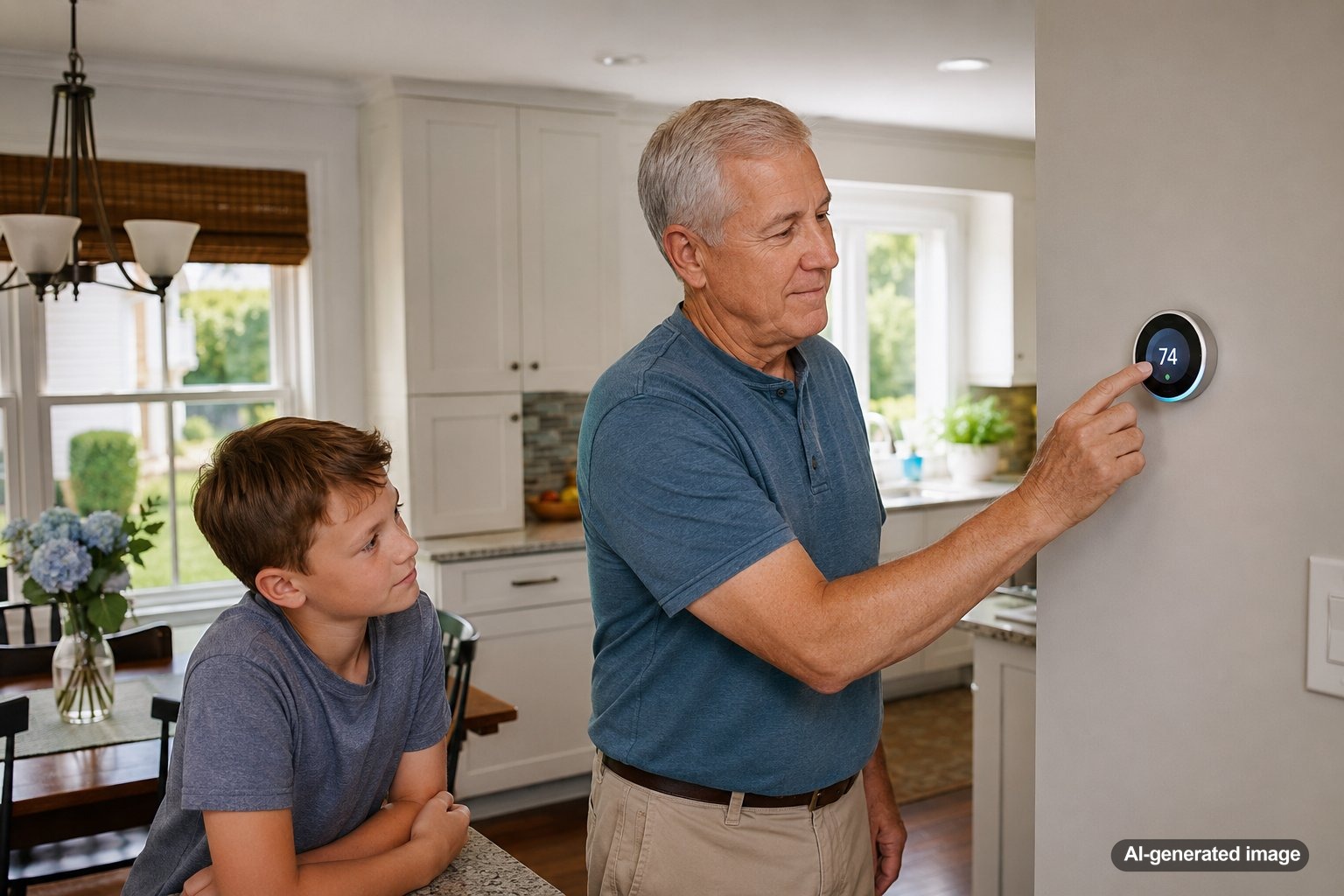
A smart thermostat learns your cooling routine by watching how your home is used, when you adjust the temperature, when the system runs, and when people are usually home or away. Over time, it can use that pattern to suggest or make schedule adjustments so your AC is not cooling an empty house the same way it cools a busy evening at home.
For homeowners in Central and Northern New Jersey, that can be especially useful during humid summer weather, when comfort is not only about the number on the thermostat. A good setup considers timing, indoor humidity, sun exposure, room usage, and how quickly your system can recover after a setback. Meyer & Depew helps homeowners evaluate Ecobee smart thermostat options and other thermostat solutions that fit the home, the HVAC system, and the way the household actually lives.
A smart thermostat learns your cooling routine by combining your programmed schedule, manual temperature changes, occupancy information, app activity, outdoor weather data, and equipment run time. The more consistent your routine is, the better it can recognize patterns. The goal is not magic. It is better timing, fewer unnecessary adjustments, and a cooling schedule that reflects real life.
What a smart thermostat is really learning
A learning thermostat is not simply memorizing one temperature. It is building a picture of how your home responds to cooling calls throughout the day. For example, it may notice that the house usually warms quickly in the late afternoon, that people tend to arrive home around dinner, or that the AC needs extra time to bring the temperature down after a hot, humid day.
Some systems also use room sensors, occupancy detection, geofencing, humidity readings, or app-based controls. These features can help the thermostat understand whether the home is occupied, which areas matter most at different times, and whether a schedule is still matching your routine. In a New Jersey home with changing seasons, older ductwork, or rooms that face strong afternoon sun, those details can matter.
How your daily adjustments teach the thermostat
Every manual change gives the thermostat information. If you lower the cooling setpoint every weekday around 5:30 p.m., the thermostat may treat that as a pattern. If you regularly raise the temperature before leaving for work, it may recognize that the home can use a more relaxed setting during that period.
This is why the first few weeks after installation often involve some fine-tuning. Homeowners sometimes expect the thermostat to know everything immediately, but it needs real use data. It may learn faster when the household makes consistent adjustments instead of changing the temperature repeatedly throughout the day.
How occupancy and sensors improve the routine
Occupancy features help a smart thermostat tell the difference between a schedule that looks good on paper and a home that is actually being used. If the thermostat or a room sensor detects activity during a time that was supposed to be away, the system may hold a more comfortable setting. If no one is home during a normally occupied period, it may allow a more efficient setting.
Room sensors can also help with comfort priorities. A thermostat in a hallway may not represent a sunny bedroom, finished basement, home office, or second-floor family room. When sensor placement is planned correctly, the thermostat can focus on the rooms that matter most at the right time of day.
Why your home’s cooling behavior matters
A smart thermostat also learns from the HVAC system itself. It can observe how long the AC runs, how quickly the indoor temperature changes, and whether the home tends to recover slowly after the temperature is raised. This helps the thermostat estimate when to start cooling so the home is comfortable by the time you want it to be.
That recovery timing is important. If your thermostat waits until you walk in the door to start cooling, comfort may lag behind. If it starts too early, the system may run longer than needed. A properly configured smart thermostat tries to find a more practical balance.
Common cooling routine patterns it may notice
In many homes, the thermostat starts recognizing habits such as weekday departures, evening returns, weekend activity, nighttime cooling preferences, and vacation or away periods. It may also notice that certain days are different, such as a work-from-home day or a weekend with more people in the house.
- Morning routine: The thermostat may learn when the home starts to warm up and when people typically leave.
- Afternoon heat gain: Rooms with strong sun exposure may need a different cooling strategy than shaded rooms.
- Evening comfort: The thermostat may begin preparing the home before the busiest part of the day.
- Nighttime preferences: Some households sleep better with cooler settings, while others prefer a warmer overnight schedule.
- Away periods: A smart thermostat may reduce unnecessary cooling when occupancy patterns show the home is empty.
What can interfere with accurate learning
Smart thermostats work best when they are installed correctly and matched to the HVAC system. Poor placement, incorrect wiring, weak Wi-Fi, incompatible equipment settings, or badly placed sensors can make the thermostat less effective. A thermostat installed near direct sunlight, a supply vent, a drafty doorway, or a heat-producing appliance may read conditions that do not represent the rest of the home.
Learning can also be limited when the underlying HVAC system has issues. A restricted air filter, low airflow, leaky ductwork, short cycling, oversized equipment, or an aging AC system may prevent the home from cooling predictably. In that case, the thermostat may be responding to a comfort problem it cannot solve by itself.
Safe homeowner checks before blaming the thermostat
- Confirm the thermostat is set to cooling mode and the schedule matches your actual routine.
- Check whether any temporary holds, vacation settings, or eco settings are overriding the normal schedule.
- Replace or inspect the air filter if it is dirty or overdue.
- Make sure supply and return vents are open and not blocked by furniture, rugs, or storage.
- Look for obvious debris around the outdoor AC unit, without opening equipment panels.
- Check the breaker once if it is safe to do so, and schedule service if it trips again.
These checks can rule out simple issues. They should not involve opening sealed HVAC equipment, handling refrigerant, bypassing safety controls, or working on wiring. If the thermostat screen is blank, the AC will not start, the system runs constantly, or comfort problems continue, professional service is the safer next step.
When a smart thermostat is not enough
A smart thermostat can improve control, but it cannot fix every comfort concern. If one room is always too warm, the issue may involve duct design, insulation, sun exposure, airflow balancing, or zoning needs. If the AC struggles during every heat wave, the system may need maintenance, repair, or replacement evaluation.
Homeowners considering better room-by-room comfort may also want to discuss zoning systems. In some homes, zoning or ductless equipment can address comfort problems that a thermostat schedule alone cannot. The right solution depends on the home, the equipment, and how the space is used.
How to get better results from a learning thermostat
Start with a realistic schedule instead of extreme temperature swings. Large setbacks can sound efficient, but they may force the AC to work hard during the hottest part of the day. In humid New Jersey weather, long recovery periods can also affect how the home feels, even when the thermostat eventually reaches the target temperature.
Use consistent comfort settings, place sensors thoughtfully, and avoid changing the temperature every few minutes. Give the thermostat enough time to recognize a pattern. If your routine changes, update the schedule rather than expecting the device to guess immediately. Smart technology works best when it has accurate information and a properly maintained HVAC system behind it.
FAQ
How long does a smart thermostat take to learn a cooling routine?
It depends on the model, the settings, and how consistent the household routine is. Many thermostats start recognizing patterns within a few weeks, but ongoing adjustments may continue as the seasons and occupancy patterns change.
Will a smart thermostat automatically lower my energy bills?
It may help reduce unnecessary heating and cooling when it is set up correctly, but savings are not guaranteed. Results depend on the home, equipment condition, temperature settings, usage habits, and local weather.
Can a smart thermostat help with humidity?
Some models can monitor humidity and support comfort-related settings, but humidity control also depends on AC performance, airflow, system sizing, ventilation, and the home’s envelope. Persistent humidity problems should be evaluated by a qualified HVAC professional.
Should I use room sensors with my smart thermostat?
Room sensors can be helpful when important areas are far from the thermostat, such as bedrooms, offices, finished basements, or second floors. Placement matters, so it is worth thinking through which rooms should guide comfort at different times of day.
Why does my smart thermostat change temperatures on its own?
It may be following a schedule, occupancy setting, eco mode, vacation setting, app command, or temporary hold. Reviewing the thermostat settings and app history can often explain the change.
A smart thermostat learns your cooling routine by combining schedule habits, occupancy patterns, manual adjustments, sensor data, weather information, and system run time. When installed and configured properly, it can make cooling feel more natural and less wasteful, but it still depends on a healthy HVAC system.
Need help with your heating, cooling, or HVAC system?
Meyer & Depew serves homeowners and businesses throughout Central and Northern New Jersey.
Get a quote or call 908.272.2100.