



How to Use Smart Thermostat Away Mode Without Returning to a Hot House
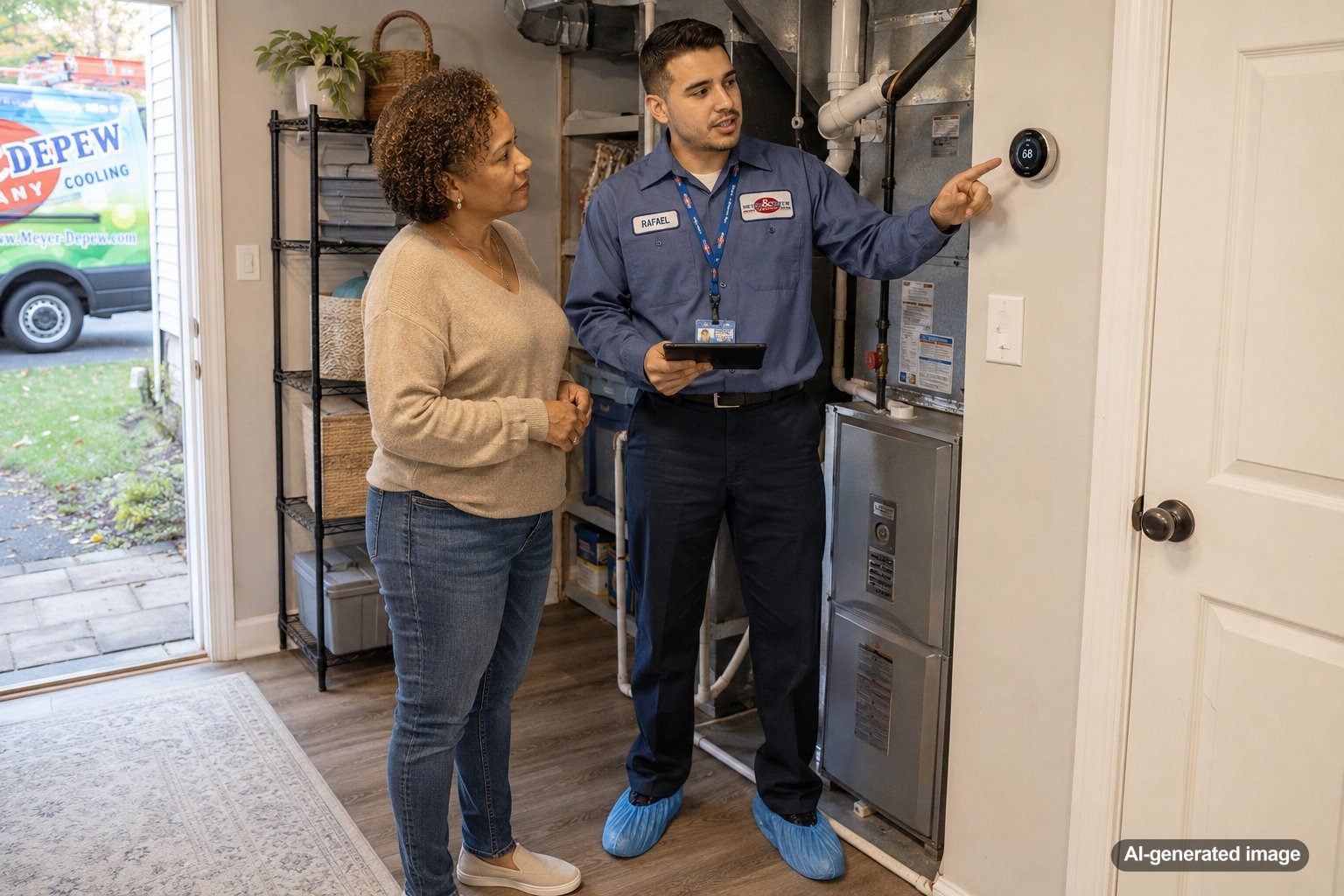
Smart thermostat away mode can be helpful, but it is not always as simple as turning the temperature way up and hoping your home cools down fast before you walk back in. In a Central or Northern New Jersey summer, heat, humidity, sun exposure, older insulation, and the size of your AC system can all affect how quickly your home recovers. The goal is to use away mode to reduce unnecessary cooling while still giving your system enough time to bring the house back to a comfortable temperature.
Used well, away mode can support comfort and efficiency. Used too aggressively, it can leave you coming home to sticky rooms, long AC run times, and a thermostat that seems smart but not very practical. If you are comparing thermostat options or need help setting up comfort controls, Meyer & Depew offers thermostat solutions for New Jersey homes.
Set away mode only a few degrees higher than your normal cooling setting, use geofencing or a return schedule so the system starts cooling before you arrive, and avoid large temperature setbacks during very hot or humid weather. If your home takes too long to recover, the issue may be the schedule, the thermostat location, restricted airflow, insulation, or an AC system that needs service.
What away mode actually does
Away mode tells your thermostat to use a different temperature setting when the home is empty. During cooling season, that usually means allowing the indoor temperature to rise several degrees instead of maintaining your normal occupied setting all day.
Some smart thermostats use a fixed schedule. Others use occupancy sensors, phone location, or learning features to decide when you are away and when you are likely to return. That flexibility is useful, but the thermostat still depends on your HVAC system, airflow, ductwork, home layout, and outdoor conditions. It cannot make an undersized, dirty, or struggling AC system cool faster than the equipment can safely manage.
Do not set away mode too high
A common mistake is treating away mode like a full shutdown. For example, if you normally keep the house at 74 degrees, setting away mode to 85 degrees may sound efficient, but it can make recovery slow and uncomfortable. The AC may need to run for a long stretch when you return, especially if the home has absorbed heat through the roof, walls, windows, attic, and upper floors.
Many homes do better with a modest setback, such as a few degrees above the occupied setting. The right number depends on your house, your comfort preferences, and how long you will be gone. A short errand, a full workday, and a week-long trip should not necessarily use the same settings.
Use a return schedule, not just an away setting
The most important comfort feature is not only when away mode starts. It is when recovery begins. If your thermostat waits until you unlock the front door to start cooling, the house may still feel hot for an hour or more. Instead, set the thermostat to begin cooling before you expect to be home.
Smart thermostats with geofencing may begin recovery when your phone gets close to home. Scheduled thermostats can start cooling at a predictable time, such as before you return from work. Learning thermostats may adjust automatically after they understand your routine, but it is still worth checking whether the recovery time feels realistic during hot weather.
Account for New Jersey humidity
Temperature is only part of comfort. Humidity can make a 76-degree room feel much warmer than expected. During muggy New Jersey weather, long periods in a high away setting may allow indoor humidity to rise, which can make the house feel clammy even after the temperature begins to drop.
If your thermostat has humidity-related settings, review them carefully instead of assuming the highest away temperature is best. Homes with older ductwork, shaded rooms, finished basements, or uneven airflow may need a more conservative strategy. For broader comfort concerns, air quality and comfort improvements may help address humidity, airflow, and room-to-room comfort issues.
Think about which rooms heat up fastest
Away mode uses the temperature where the thermostat senses conditions. That may not reflect the hottest bedroom, upstairs office, sunroom, nursery, or west-facing living area. If the thermostat is in a shaded hallway, it may think the home is recovering nicely while other rooms remain too warm.
This is one reason some homeowners struggle with smart thermostat settings even when the device itself is working properly. The issue may be uneven airflow, duct balance, insulation, solar heat gain, or a single-zone system trying to serve rooms with very different loads. In some homes, zoning or ductless options can provide better control than thermostat scheduling alone.
Safe checks before changing your HVAC settings too much
Before assuming the thermostat is the problem, check a few basic items that can affect recovery time and comfort. These are simple, safe checks that do not require opening HVAC equipment or handling electrical or refrigerant components.
- Make sure the thermostat is set to cooling mode and the desired occupied temperature is reasonable.
- Inspect or replace a dirty air filter, since restricted airflow can slow cooling.
- Confirm supply and return vents are open and not blocked by furniture, rugs, or curtains.
- Look for obvious leaves, grass, or debris around the outdoor AC unit.
- If it is safe to do so, check whether the breaker has tripped once. If it trips again, schedule professional service.
When away mode may reveal an AC issue
If your AC cannot bring the house back to the set temperature after a reasonable recovery period, away mode may be exposing a larger issue. A clogged filter, dirty coil, weak airflow, refrigerant concern, thermostat placement problem, aging equipment, or duct issue could all contribute to slow cooling. A qualified technician can evaluate the system and identify what is actually limiting performance.
Pay attention to patterns. If the home only struggles on extreme heat days, your away setting may be too aggressive for peak summer weather. If recovery is poor even on mild days, or if the AC runs constantly without improving comfort, it is time to schedule service. Meyer & Depew provides AC service and maintenance for homeowners throughout Central and Northern New Jersey.
Smart thermostat away mode tips that work better
Start with a modest setback instead of a dramatic one. Then watch how the house responds over several hot days. If you still come home to a warm house, reduce the setback or begin recovery earlier. If the house cools comfortably before you arrive, you may be able to fine-tune the schedule a bit more.
It also helps to create different settings for different situations. A weekday work schedule may need a small setback and a predictable recovery time. A weekend day trip may call for a different plan. A vacation setting can be higher, but it should still account for humidity, pets, plants, sensitive belongings, and any household needs while you are away.
FAQ
What temperature should I use for smart thermostat away mode in summer?
There is no single perfect number for every home. Many homeowners start with a modest increase above their normal cooling setting, then adjust based on recovery time, humidity, and comfort. Very large setbacks can make the house slow to cool when you return.
Should I turn the AC off when I leave the house?
For a short or normal daily absence, turning the AC completely off may allow heat and humidity to build up. A moderate away setting is often more practical than shutting the system down, especially during hot and humid New Jersey weather.
Why is my house still hot after my smart thermostat says it is cooling?
The system may not have had enough recovery time, or there may be an airflow, filter, duct, equipment, insulation, or thermostat placement issue. If the problem continues after basic safe checks, professional service can help determine the cause.
Can a smart thermostat save energy automatically?
A smart thermostat can help manage schedules and reduce unnecessary run time, but savings are not guaranteed. Results depend on how it is set up, the home, the HVAC system, local weather, and the household’s comfort needs.
Smart thermostat away mode works best when it balances efficiency with realistic recovery time. A smaller setback, earlier pre-cooling, and attention to humidity usually provide better results than an extreme temperature change.
Need help with your heating, cooling, or HVAC system?
Meyer & Depew serves homeowners and businesses throughout Central and Northern New Jersey.
Get a quote or call 908.272.2100.